Joints

Medstrat is proud to offer a templating service in the cloud designed specifically for orthopedic implant distributors and sales representatives. If you are interested in using our service, please fill out this form, ensure it has all appropriate signatures and requested information, and then FAX it back to us at (630) 960-9787. If you have already sent us a FAX with the completed form, then please give us 24-hours to service your request. We will contact you once your account has been setup to let you know what the next steps are in order to get up to speed and begin using Joints.


Overview

Due to technology shifts and cost containment measures, an increased number of hospitals and orthopedic practices are utilizing digital X-ray (filmless) systems which do not allow you to template with the traditional acetate implant templates. Using our Joints templating software and template packages, you will be able to digitally template, size, and prepare for your cases from anywhere. In addition, with accurate sizing determined pre-operatively, you will be able to bring fewer implants and tools to the OR thus reducing your inventory and lowering sterilization and consignment costs for locations that work with you.


Subscriptions

We currently offer two (2) different subscription types — Single User and Distributor. The Single User Subscription is intended for use by one user with a light case load. A Distributor Subscription is intended for use by multiple users in a high-volume distributor setting that requires Joints Relay to handle the frequent image transfers.


Single User Distributor


Software Installs 3 150
Data Backup 6 years 6 years
Joints To Go
x
x
Joints Relay

x
Admin User
x
Create Users
x


How It Works

To begin templating a case under a Distributor Subscription, all you need to do is one (1) of the following: 


    (a)  Setup a Joints Relay from the hospital / orthopedic practice to your Joints Server  -or-

    (b)  Obtain the X-rays as DICOM image files on a CD and import them into Joint laters   -or-

    (c)  Export the DICOM files from their PACS to an encrypted USB drive and import into Joints later


To begin templating a case under a Single User Subscription, you may do so via option (b) or (c). Alternatively, you may upgrade to a Distributor Subscription if you want to use option (a).  


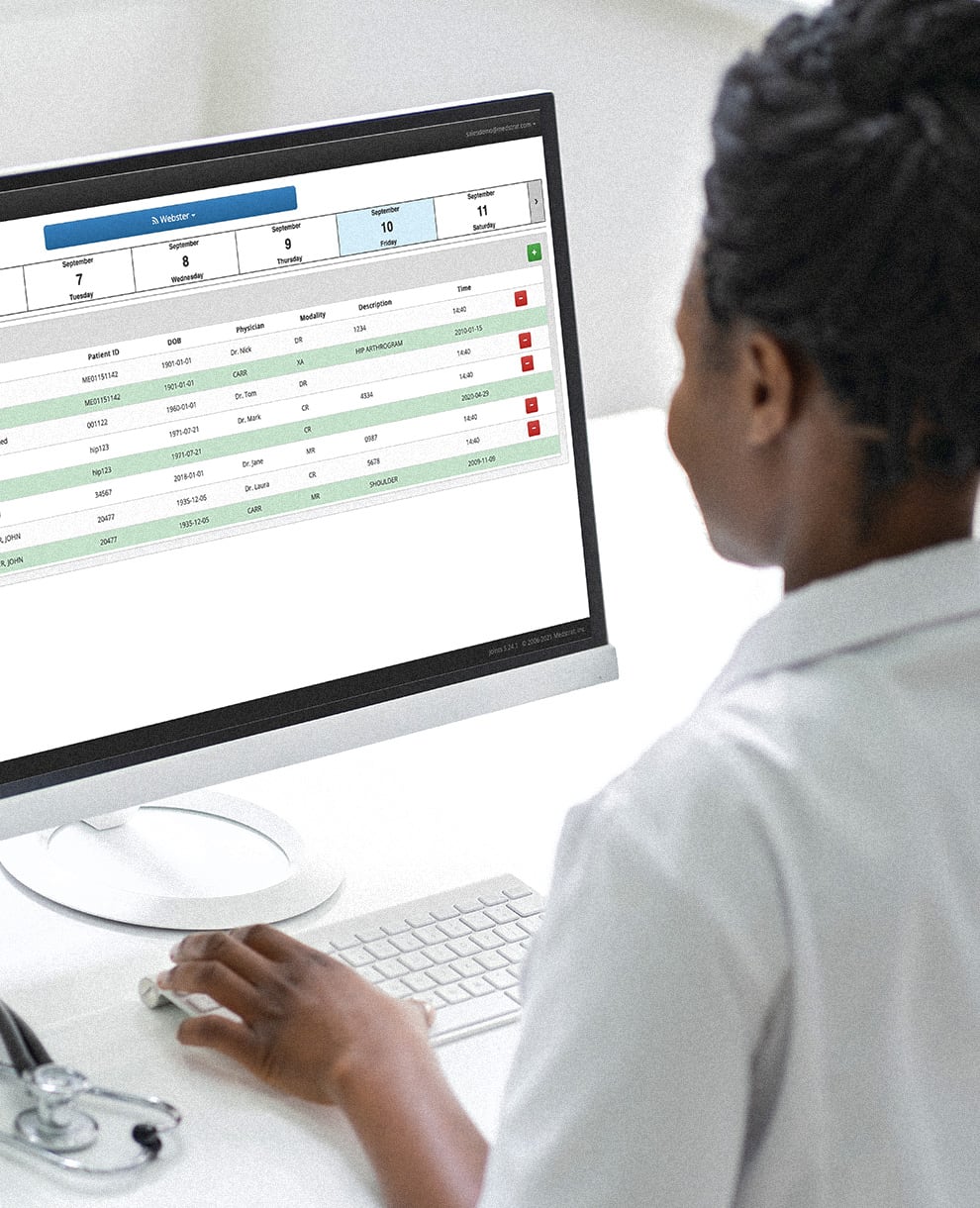
Once the DICOM images are imported or relayed into Joints they can be accessed through the Joints Browser from anywhere. Just download and install the Joints Browser on your Mac or PC and you are good to go.

Joints Server and Relay


Click here for a downloadable PDF.

© 2011 Medstrat, Inc. All Rights Reserved  ~  800-882-4224  ~  sales@medstrat.com